Tasks on the web
Give it something you have been putting off — find it, compare it, fill it in. It works the page in a browser you can watch, and stops at the button that would commit.
READS, NAVIGATES AND FILLS
 AN AI BROWSER THAT WORKS FOR YOU
Ottobrowse runs its own cloud browser and works through a task while you watch. Give it one thing on the web, or give it your entire job search. It stops at anything that would buy, send, post or submit — that part is always yours.
Give it something you have been putting off — find it, compare it, fill it in. It works the page in a browser you can watch, and stops at the button that would commit.
READS, NAVIGATES AND FILLS
Roles found and scored against your own history, materials tailored and audited, forms filled and read back, every deadline and reply in one record.
EVERYTHING ABOVE, END TO END
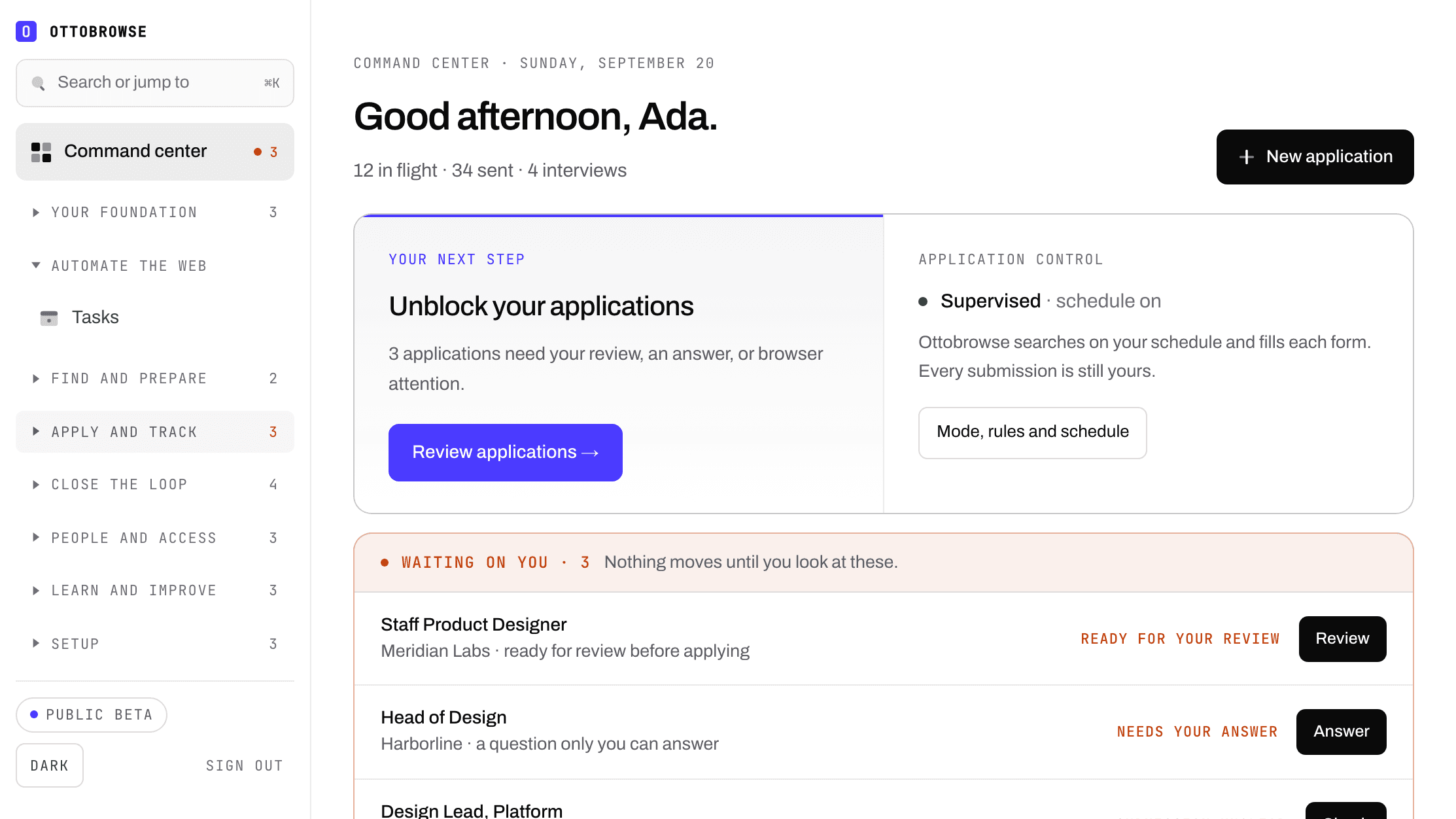
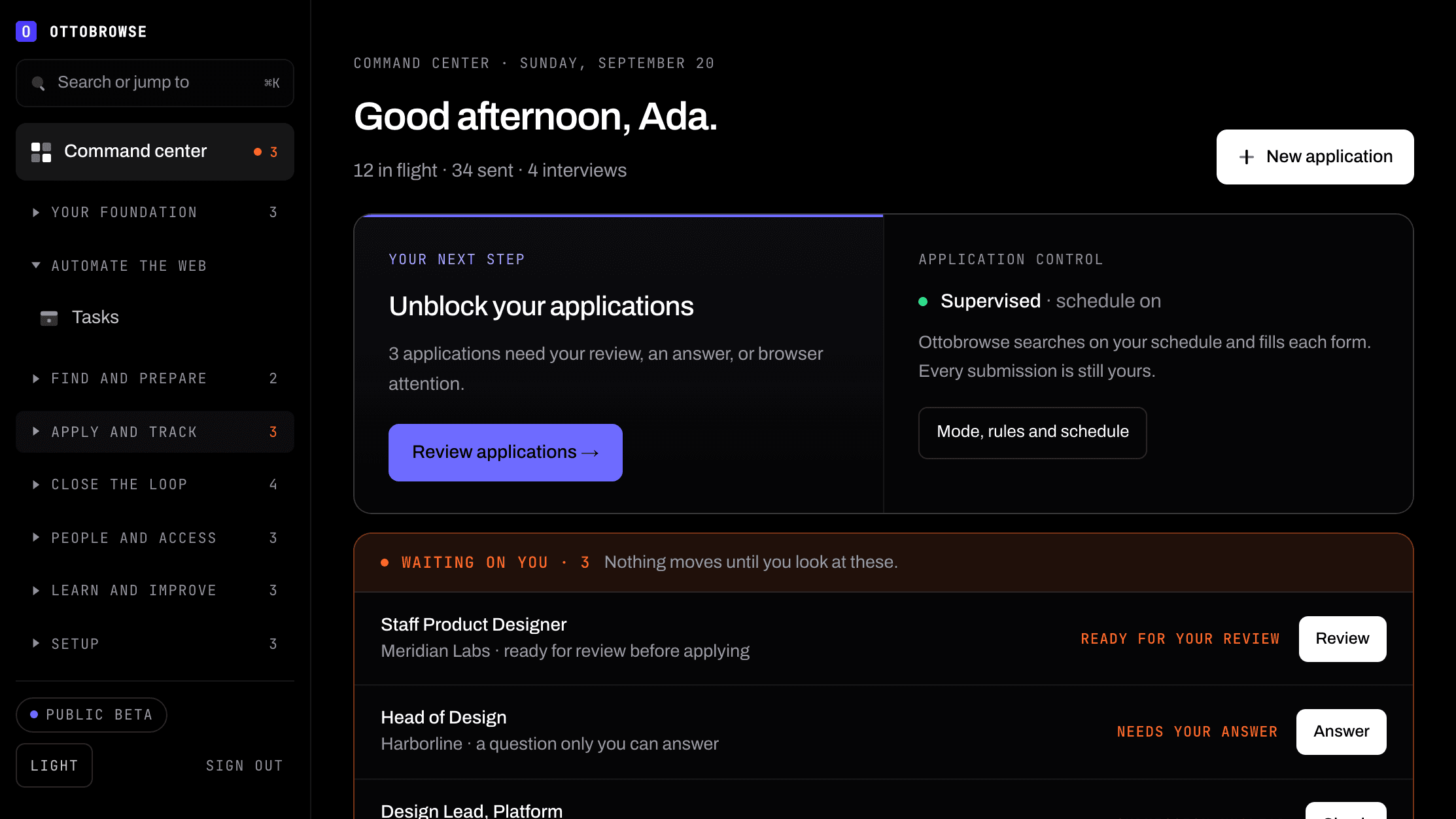
0
THINGS BOUGHT, SENT OR SUBMITTED WITHOUT YOU
75
APPLICATIONS A MONTH AT THE TOP PLAN
1
RECORD OF EVERY APPLICATION, REPLY AND OFFER
THE LOOP
Public boards you choose, read fresh and scored against your own memory — with the evidence behind every number.
Tailored résumé and letter, every claim audited against your own history. Unverified lines are listed first, because that is what stops people live.
Deadlines in your calendar, quiet applications closed in one press, and reply times measured from your own data — not averages.
YOU CHOOSE THE LEVEL OF CONTROL
You pick the jobs. Ottobrowse prepares the materials and fills the form; you press submit.
Ottobrowse searches on your schedule and fills each form. Every submission is still yours.
Ottobrowse submits strong matches on employer sites that have been individually reviewed and enabled for automatic submission, and stops for anything it is unsure about.
FROM ONE PAGE TO INTERVIEW OUTCOMES
Describe what you want and where to start. It opens its own cloud browser, reads the page, fills what it can and presses the controls that do not commit — and stops at anything that would buy, send, post or submit, handing you the live browser to finish that step. Web tasks have their own monthly allowance, separate from your applications.
Save your experience, résumé, preferences, and confirmed answers once. Reuse them across applications and update them as your targets change.
An application that arrives with a referral gets read. Track who you asked, when, and what they said, so an ask that went quiet does not become a role you never applied for. Nothing is ever sent on your behalf.
Find roles across supported employer sources. Inspect the fit score, evidence, and missing information before choosing what to pursue.
Create tailored materials from your actual experience. The posting is kept as it read that day, so you can still read it after the employer takes it down.
Work through supported forms in the included application browser. Uncertain questions and submissions come back to you. For sites nobody can fill automatically, your answer vault puts every answer one click from the clipboard.
Assessment deadlines, interview dates and offer decisions, tracked from recruiting evidence. Subscribe once and they appear in your own calendar. When they ask for times, send them in their zone and yours, correctly.
One prep sheet per application: the posting as it read, what they said they needed, the résumé they actually have, what you wrote, and anything you should be ready to back up.
Record each offer as it is written — base, bonus, equity, sign-on, the deadline — and read them in one shape. No advice, and no invented exchange rate.
A rejection is where most searches stall. When one closes, the roles already found in your earlier searches are waiting — never another opening at the employer that just said no.
Recorded replies and interviews, how long employers actually take with you, and the ones that went quiet closed out. Set an objective and request a review when there is enough data.
Hide your current employer, and anyone else you choose, from your search. Their roles are never shown, scored, prepared, or submitted. Included on every plan.
Export every application and emailed approach for any period, grouped by week, as a spreadsheet or a printable sheet. If a benefit programme asks you to log your job search, the log is already written.
Ottobrowse is in public beta. Everything here works and your data is real — expect rough edges, and features to change while we finish them.
Ottobrowse runs its own secure cloud browser, for applications and for anything else you ask it to do. You don’t install an extension, manage API keys, or buy browser hours. When a site needs you to sign in, prove you’re a person, or press the last button, it hands you the live browser and waits.
Passwords, one-time codes and card numbers are never shown to the AI at all — not hidden from it, absent. You type those yourself, in the live browser, and it carries on from there.
Sites whose terms prohibit automated access are refused by name. Support varies by employer site. Unsupported forms and personal declarations need review. Applications and interviews are not guaranteed. Fit scores are guidance, not guarantees.
OTTOBROWSE PRICING
Ottobrowse is in public beta. Everything here works and your data is real — expect rough edges, and features to change while we finish them.
Every paid plan includes both halves of the product — tasks on the web, and the whole job search — with review-before-it-goes control and different monthly allowances. The Executive plan also includes the executive search desk. USD, and no automatic usage charges on any of them. Ottobrowse Free, below, runs your search by hand at no cost and asks for no card.
One focused search, with everything reviewed before it goes.
$20/month
A full search at pace: more applications, more outreach, more research.
$60/month
For a senior search run in parallel across many employers.
$100/month
$0/month
Run your search by hand, and keep every record of it. No card, no expiry. Ottobrowse Free is what is left when nothing runs a model or a browser on our account, so there is no cost for us to recover and no reason to time-limit it.
Included
Needs a paid plan
Senior roles mostly are not advertised: they arrive through retained firms, board networks and people who already know you, over months rather than weeks. The executive search desk tracks approaches rather than applications — including confidential searches where the employer has not been named to you — alongside board, advisory and fractional tracks. It records which recruiters may put you to which employers, and warns when two are engaged at one company, so you can clarify representation before a duplicate submission, or when a firm has no permission recorded. Nothing is ever sent, and it draws on no allowance.
These don’t run a model, so they don’t draw on your monthly allowance or daily limits — on any paid plan. Several of them, marked as included above, are in Ottobrowse Free too; the rest read what preparation produced, so they need a plan to have anything to show.
Questions people ask before subscribing — whether there is a free trial, what applies automatically and what waits for you, how the plans differ, and what happens to your work if you cancel.
Find matching roles, tailor your documents, and apply on supported employer forms. You review each application before it goes; automatic submission requires explicit consent and is limited to employer sites we have individually reviewed and enabled.
Track your applications and outreach in your command center. You review recruiter messages before sending. Completion, responses, interviews, and job offers are not guaranteed.
Allowances renew monthly and do not roll over. Daily limits and additional feature allowances apply; see Billing and usage for the full breakdown on your plan. Failed or canceled requests can use an allowance. No extra usage is billed automatically.
Ottobrowse’s own cloud browser is included on every plan, for tasks on the web and for your applications alike. No extension or separate browser subscription is needed.
Payment is required before new work begins. You can change plan or cancel at any time in Billing; access continues through your paid period. Applicable taxes are additional. Existing beta accounts must choose a subscription and are never charged automatically.